MyPanel Global
A downloadable tool for Windows
Here you will find the installer for the MyPanel program for the Windows operating system.
Version: 1.1.8. Released on: March 6, 2026.
Main new features:
- AI chat assistant to help with using the app or to chat about any topics;
- Bug fixes related to calendar events and various improvements throughout the app.
Main features from previous versions:
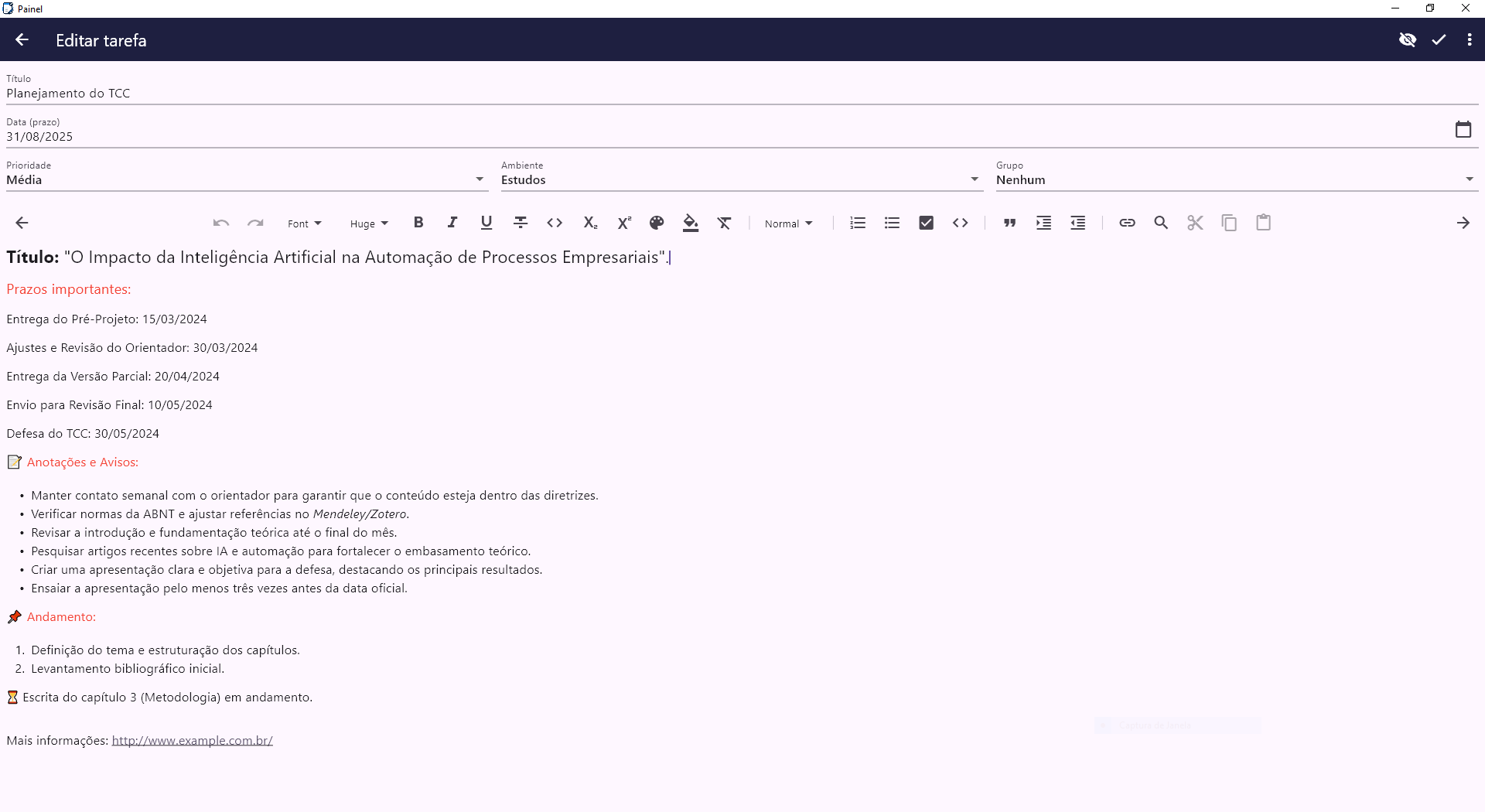
- Added mandatory PIN code to further increase the security and privacy of users’ tasks and events;
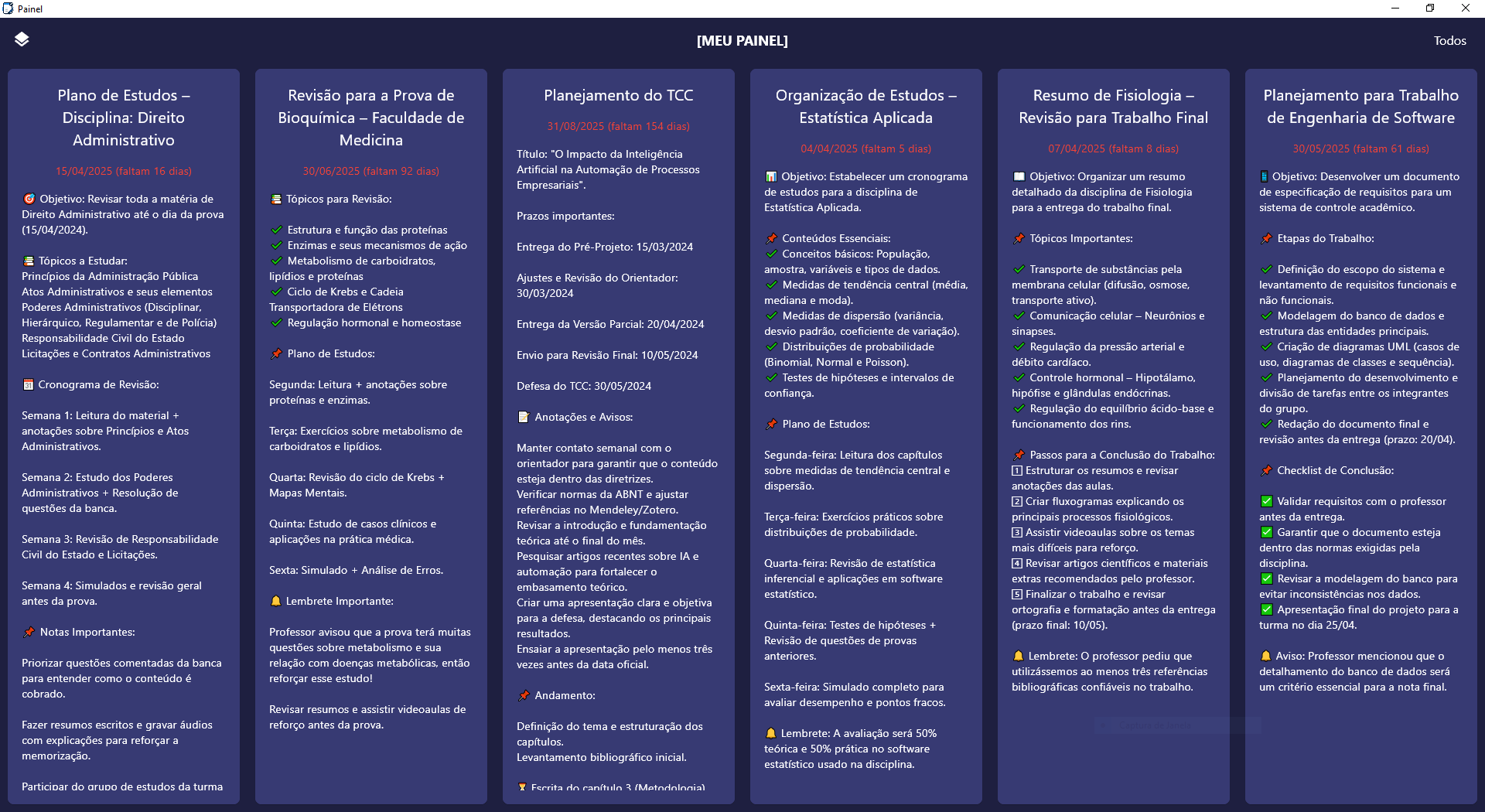
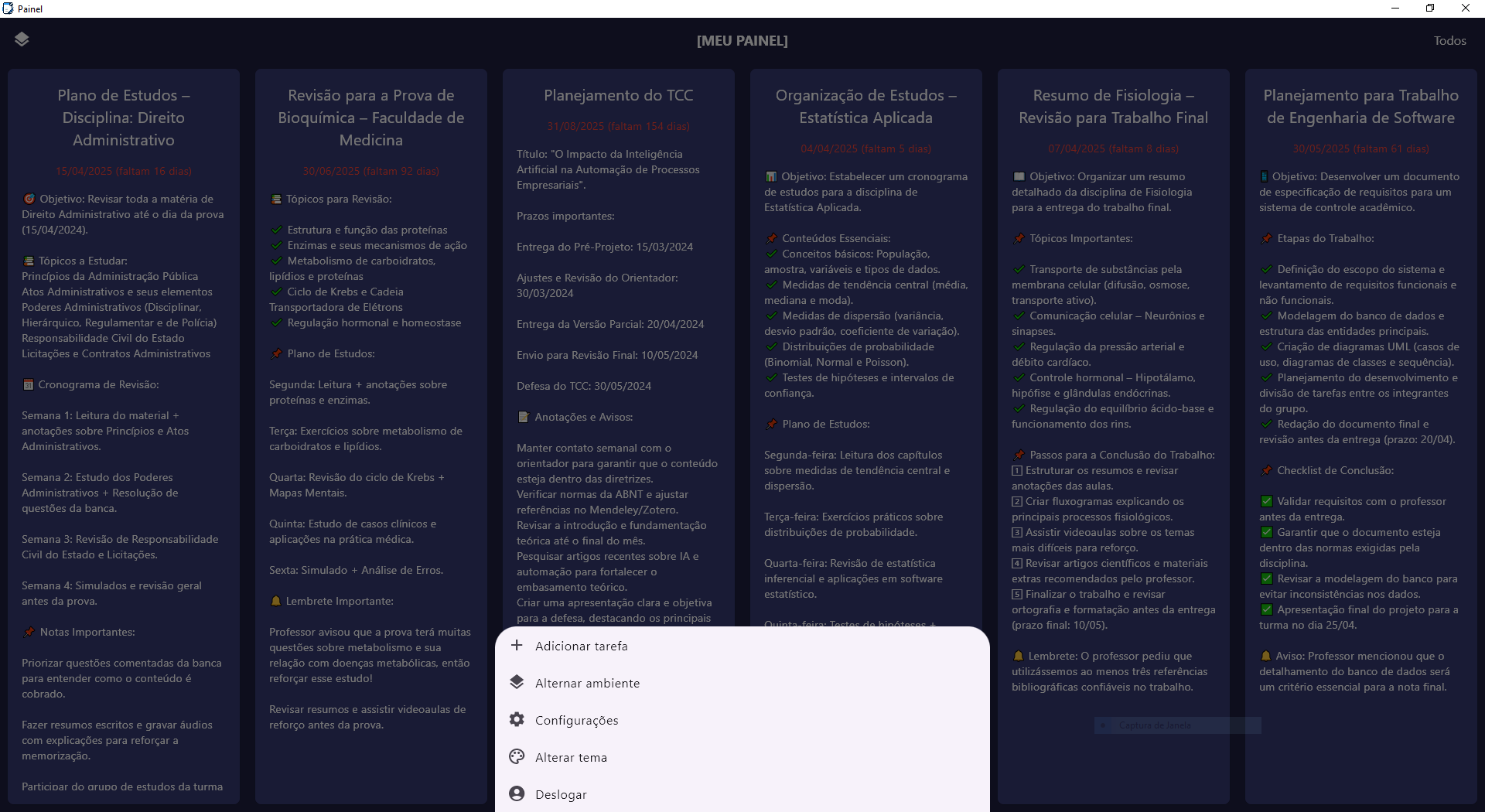
- New Agenda/Calendar screen to help you organize your events;
- Display of upcoming events on the panel’s home screen;
- Offline mode (exclusive feature for the Windows version);
- Improvements in panel color customization.
Requirements: Windows 10/11 64-bit.
To install, simply download the installer from this page, open it, and proceed through the steps shown. The program will then be installed on your computer.
If you already have the program installed and want to update to the latest version, just follow the same installation process above, and it will be updated automatically.
Attention: If the program does not open correctly when executed, right-click the program shortcut, choose Open file location, then inside the folder that opens, open the file “config.txt” and change the number 1 to 2. After that, save the file and try running the program again. If it still doesn’t work, please contact our support.
Important: Access to this software must be purchased. If you want to purchase your access, please contact us via email: extreem.suporte@gmail.com or via WhatsApp at: https://wa.me/5521935009610
Download
Also available on